My Dev Setup: Same Keys Everywhere
Omarchy, Neovim, tmux, IntelliJ and a split keyboard, set up so one habit works in every tool.

Phanith LIM
I switch between a lot of tools in a day: a terminal, Neovim, IntelliJ for Java, a browser. For a long time each one had its own shortcuts, and my hands kept pressing the wrong ones. So I rebuilt my setup around one rule: the same keys should do the same thing everywhere.
Here is what that looks like.
The desktop: Omarchy and Hyprland
I run Omarchy, an Arch Linux setup built on the Hyprland window manager. Windows tile themselves, and everything is a keyboard shortcut. Each monitor gets its own workspaces 1–10, and one key throws a window between my laptop and my external screen.
The editor: Neovim

Most of my writing and coding happens in Neovim with LazyVim. A few things I added on top:
- Harpoon for the four files I am working on right now, one key each.
- A floating terminal on
Ctrl + /. - Spring Boot support for Java, including a key that checks my Spring Modulith module boundaries.
When I want smooth animations, I open the same config in Neovide, a GUI for Neovim.
Sessions: tmux

tmux keeps my terminals alive between sessions. I gave its bar rounded "pills" that recolour themselves when I change my desktop theme. In Neovide I copied tmux's Ctrl + b keys, so opening a tab or a split is the same in both.
Java: IntelliJ with Vim keys
For big Java projects I still use IntelliJ, with the IdeaVim plugin. I mapped it to match Neovim: the same leader key, the same gd, the same Alt + 1–4 to jump between my main files.
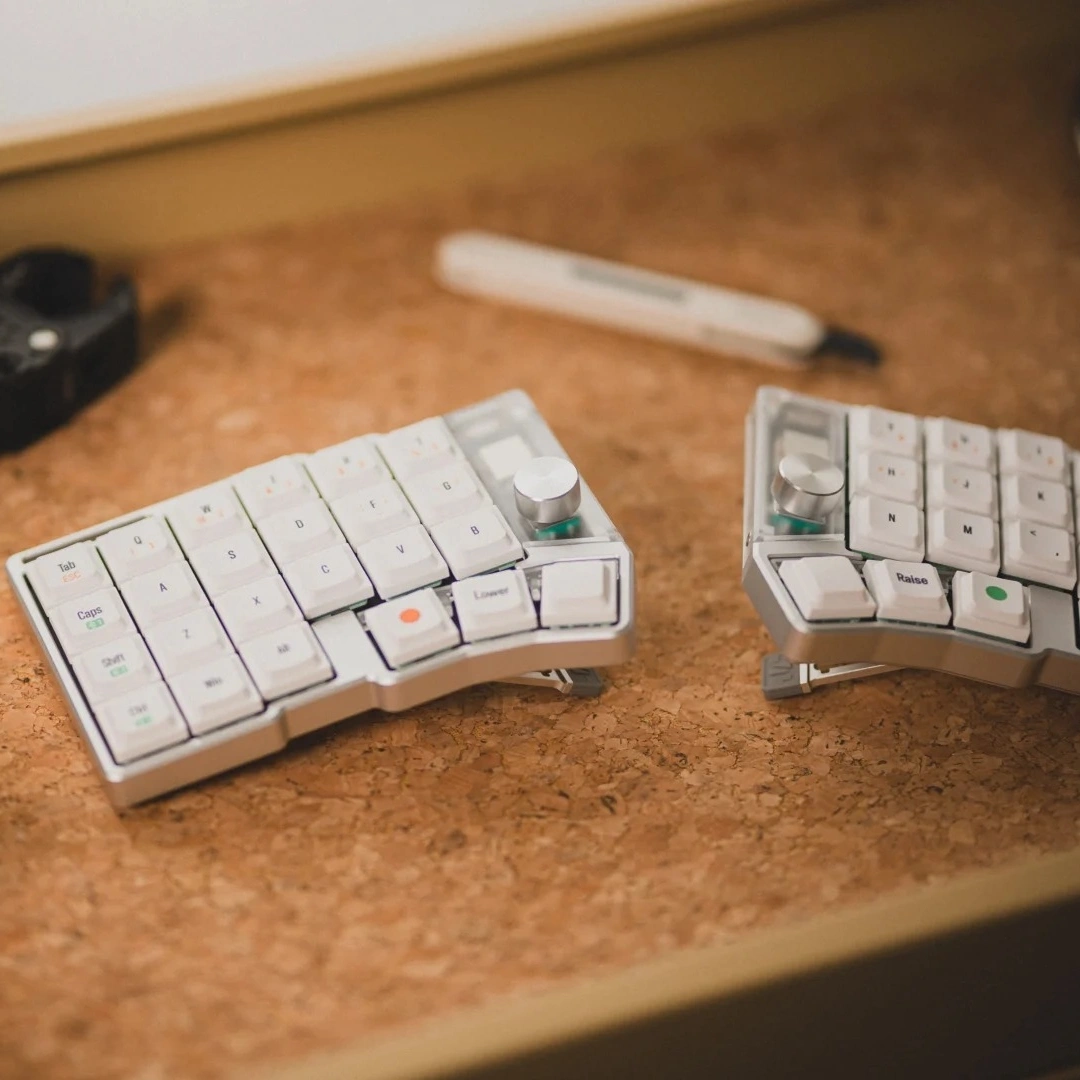
The keyboard: Cornix LP
The last piece is a split keyboard, the Cornix LP. Its layers turn the home row into shortcuts. My favourite part is that H / J / K / L moves focus at every level:
| Hold | + H / J / K / L |
|---|---|
| Layer 1 | Arrow keys |
| Ctrl | Neovim splits and tmux panes |
| Layer 2 | Hyprland windows |
One motion, three tools, no thinking.
Try it
Everything is in my dotfiles on GitHub, with a page of keybindings for each tool.
The best setup is not the one with the most features. It is the one where you stop noticing the tools.
Images: Neovim and tmux logos by Jason Long, Hyprland logo from the Hyprland project.